Smartphones are essential tools in our daily lives, but despite their advanced technology, they are still vulnerable to wear and tear. Extending the lifespan of your phone not only saves money but also ensures consistent performance and reliability. With a few simple daily habits, you can keep your smartphone running smoothly for years. Here are practical tips to protect and maintain your device every day.
1. Protect Your Phone Physically
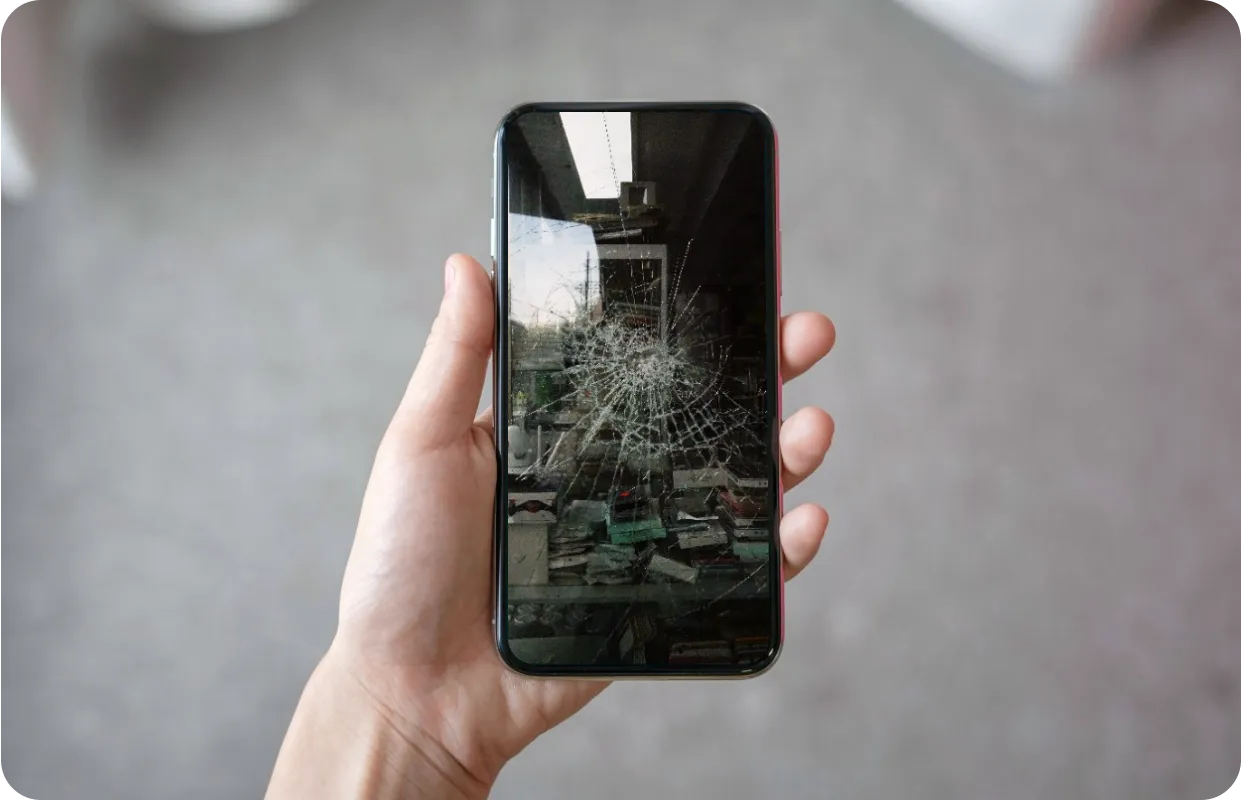
One of the easiest ways to extend your phone’s lifespan is to prevent physical damage. A single drop can lead to costly repairs or a completely broken device.
Daily habits for physical protection:
- Use a sturdy case and a tempered glass screen protector.
- Avoid placing your phone in your back pocket or near sharp objects.
- Handle your phone carefully, especially when multitasking or walking.
These small precautions drastically reduce the risk of cracks, scratches, and other damage.
2. Charge Your Phone Properly
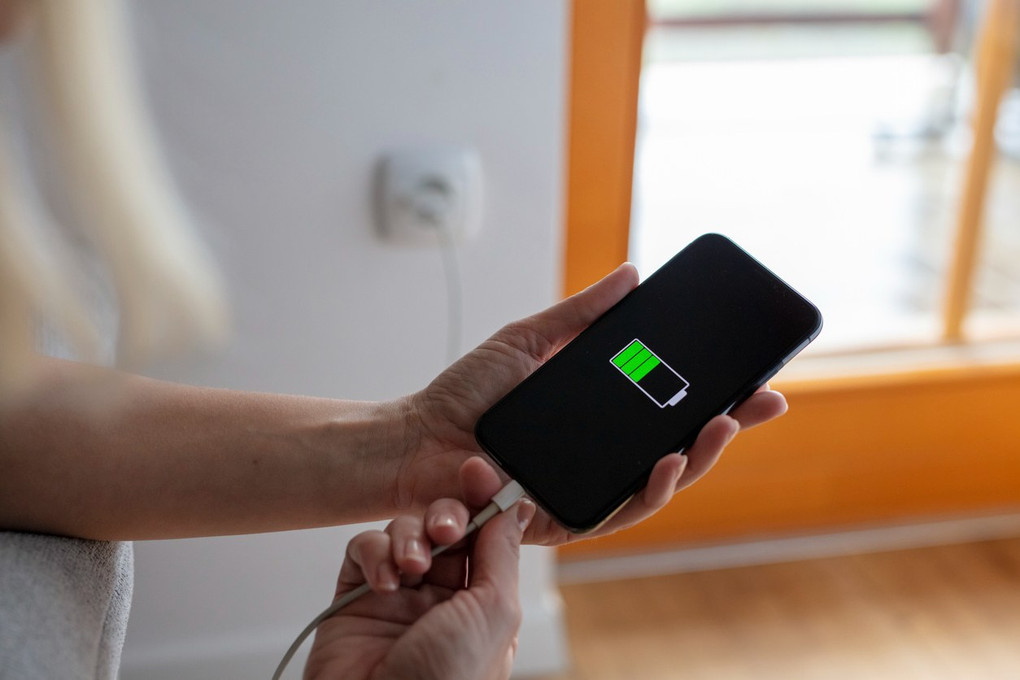
Battery health is one of the most critical factors in smartphone longevity. Improper charging habits can shorten your battery’s lifespan or cause unexpected shutdowns.
Battery-friendly practices:
- Avoid letting the battery drop to 0% regularly; charge when it reaches 20–30%.
- Use the original charger or certified alternatives.
- Avoid overnight charging if your phone doesn’t support smart charging features.
- Keep your phone out of hot environments while charging.
Consistently following these habits ensures your battery remains healthy longer.
3. Keep Software Updated
Software updates often include performance improvements, bug fixes, and security patches. Running outdated software can make your phone vulnerable and slow.
Daily software care:
- Enable automatic updates for apps and the operating system.
- Regularly restart your phone to apply updates and clear temporary files.
- Backup important data before major updates.
Updating your phone keeps it secure and ensures smooth operation.
4. Manage Storage and App Usage
A cluttered phone can slow down performance and strain the battery. Managing storage and app usage is crucial for long-term performance.
Practical tips:
- Delete unused apps and files regularly.
- Move photos, videos, and documents to cloud storage.
- Clear cache for apps that accumulate large amounts of temporary data.
- Avoid running too many apps simultaneously.
Optimizing storage prevents slowdowns and reduces strain on the device’s hardware.
5. Avoid Overheating
Excessive heat is one of the main causes of smartphone wear. Overheating can damage the battery, screen, and internal components.
Daily habits to prevent overheating:
- Remove your phone from direct sunlight or hot environments.
- Avoid using heavy apps or gaming for extended periods while charging.
- Remove thick cases temporarily if the phone gets hot during intensive use.
Keeping your phone cool protects both the battery and internal electronics.
6. Clean Your Device Regularly
Dirt, dust, and debris can accumulate in ports, speakers, and screens, causing malfunctions over time. Cleaning your phone daily or weekly keeps it in top condition.
Cleaning tips:
- Use a microfiber cloth for the screen and exterior.
- Use compressed air or a soft brush for ports and crevices.
- Avoid harsh chemicals; use water or alcohol wipes specifically designed for electronics.
Regular cleaning maintains both functionality and appearance.
7. Handle Apps and Connectivity Wisely
Background apps, notifications, and constant connectivity can strain your phone’s battery and processor.
Best practices:
- Limit apps that run in the background unnecessarily.
- Turn off Wi-Fi, Bluetooth, or GPS when not in use.
- Use battery saver modes strategically.
- Avoid downloading apps from untrusted sources.
This reduces unnecessary load and prevents overheating or battery drain.
Bonus Tip: Professional Maintenance
Even with careful daily habits, phones may occasionally require professional attention. Services like Mobile Phone Repair Experts can perform diagnostics, screen replacements, battery swaps, and hardware repairs to keep your device functioning optimally. Early professional intervention can prevent minor issues from turning into major problems.
By adopting these simple daily habits—protecting your phone physically, charging correctly, updating software, managing storage, avoiding overheating, cleaning regularly, and handling apps wisely—you can significantly extend your smartphone’s lifespan. Pair these habits with professional maintenance when needed, and your device will stay reliable and efficient for years to come.
Maintaining your phone doesn’t have to be complicated; consistent small efforts every day make a big difference in long-term performance and durability.