The Smart Consumer Guide: Navigating Mobile Maintenance and Component Care
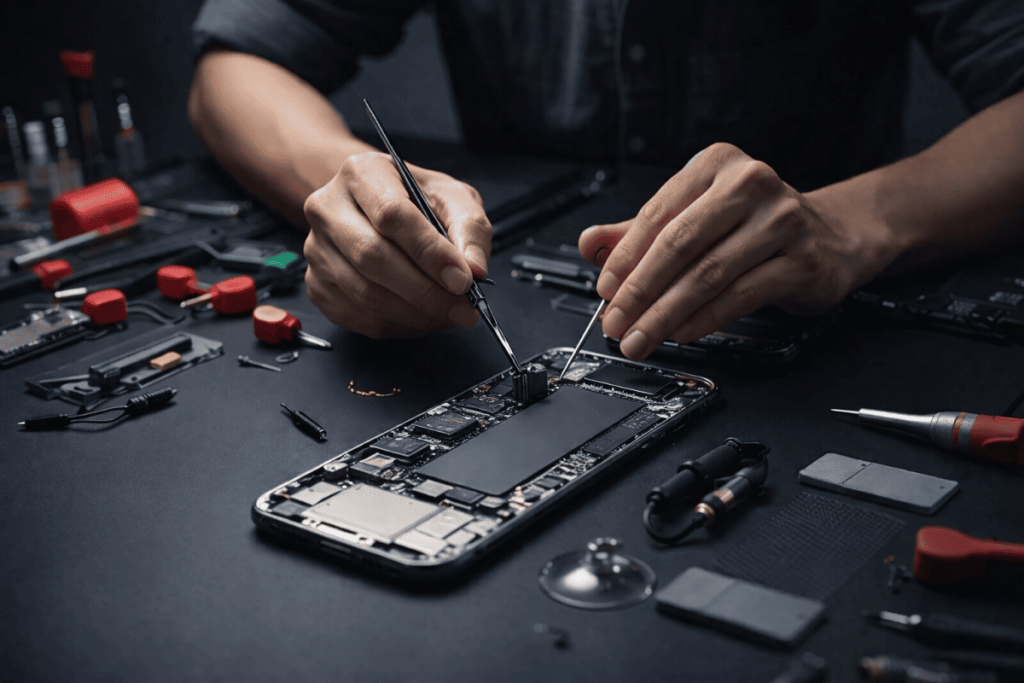
In today's fast-paced world, our smartphones are more than just devices — they're lifelines connecting us to work, family, and entertainment. When something goes wrong, the first thought is often "time for a new one." But with the right knowledge, many phone issues can be fixed quickly and affordably, saving you hundreds of dollars while extending your device's life. This guide covers real, practical repair advice based on common problems faced by millions of users worldwide.
Why Mobile Phone Repair Matters More Than Ever
Modern smartphones are engineering marvels packed with advanced components, but they're also fragile. According to industry data, screen repairs account for a massive portion of service requests, followed by battery issues and charging problems. Repairing instead of replacing helps reduce electronic waste — an estimated 50 million tons of e-waste are generated globally each year, much of it from discarded phones.
Professional repair not only saves money but often provides faster turnaround than waiting for a new model delivery.
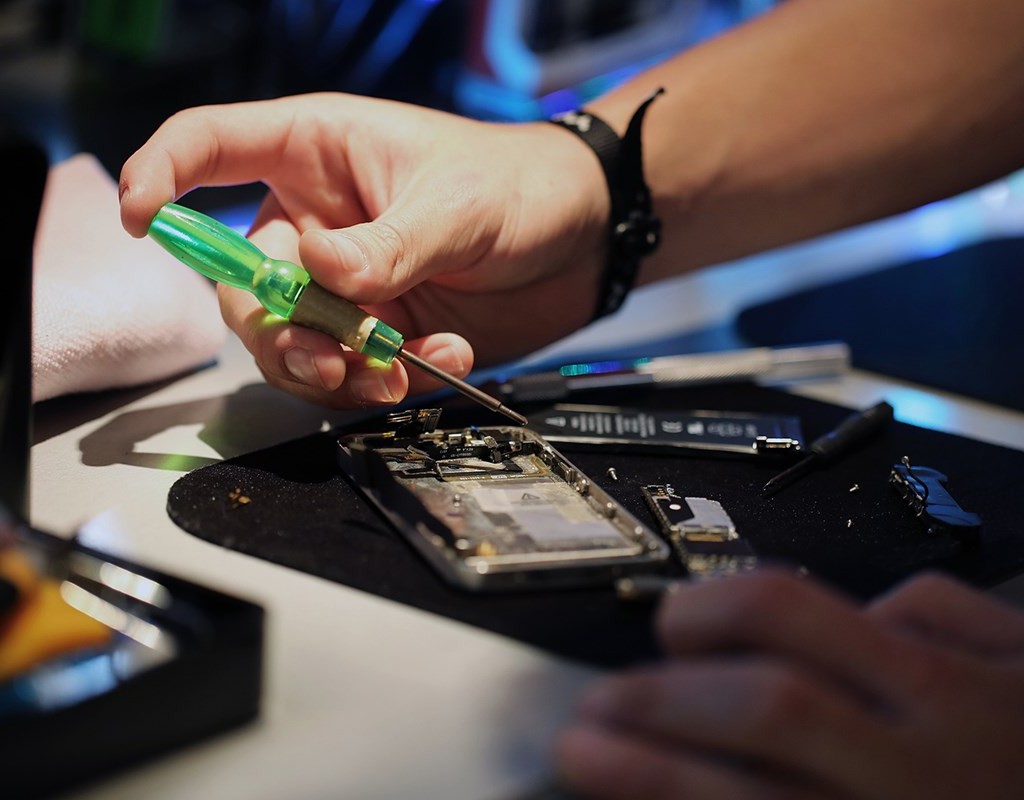
Most Common Mobile Phone Problems and How to Fix Them
1. Cracked or Shattered Screens This is the #1 repair request at most shops. A dropped phone can lead to spiderweb cracks that impair touch functionality and visibility.
- DIY Option: For minor cracks, tempered glass protectors can sometimes hold things together temporarily. However, full screen replacement requires specialized tools and adhesives. It's generally recommended to visit a professional unless you have experience.
- Professional Fix: Technicians use heat to loosen the old screen, carefully disconnect ribbons, and install OEM or high-quality aftermarket displays. Costs typically range from $50–$300 depending on the model (cheaper for Androids, higher for premium iPhones).
2. Battery Degradation After 1–2 years, many phones lose 20% or more of their original capacity, leading to unexpected shutdowns and poor performance.
- Signs: Phone heats up, charges slowly, or dies quickly.
- DIY Battery Replacement: Possible on many Android models with the right tools (screwdrivers, suction cups, prying tools). Always use high-quality replacement batteries to avoid safety risks like swelling or overheating.
- Pro Tip: iPhone users often need specialized pentalobe screwdrivers. Battery health can be checked in settings on both iOS and Android.
3. Charging and Port Issues Loose charging ports or "not charging" errors are incredibly common due to debris buildup or bent pins.
- Quick Fixes: Clean the port gently with a wooden toothpick or compressed air. Avoid metal objects that can cause shorts.
- Repair: Port replacement is a standard service and usually inexpensive ($30–$80). Technicians desolder the old port and install a new one.
4. Water Damage Even water-resistant phones aren't fully waterproof. Liquid can corrode internal components.
- Immediate Action: Power off the device, remove any case, and dry externally. Place in a dry environment with airflow (avoid rice, as it can leave dust particles).
- Professional Recovery: Shops use ultrasonic cleaners and isopropyl alcohol to remove corrosion. Success rates are high if addressed quickly.

5. Software Glitches and Performance Issues Frozen screens, slow apps, or boot loops are often software-related.
- Solutions: Factory reset (after backup), OS updates, or clearing cache. For deeper issues, technicians can reflash firmware.
Essential Tools for Basic DIY Repairs
If you're handy, a basic repair kit is a smart investment:
- Precision screwdrivers (various sizes including pentalobe for iPhones)
- Plastic prying tools and spudgers
- Suction cups
- Tweezers and opening picks
- Isopropyl alcohol and microfiber cloths

Upgraded 18 PCS Phone Screen Repair Kit, Suction Cup Pliers Opening Repair Kit, Repair Precision Screwdriver Set Compatible with iPhone, iPad, Cellphone and Other Smooth Surface LCD Screen Opener - Amazon.com
Always watch model-specific tutorials from reputable sources and work in a static-free environment.
When to Skip DIY and Go Pro
Complex repairs involving motherboard issues, camera modules, or advanced diagnostics are best left to certified technicians. They have access to original parts, testing equipment, and warranties on their work. Look for shops with good reviews and transparent pricing.
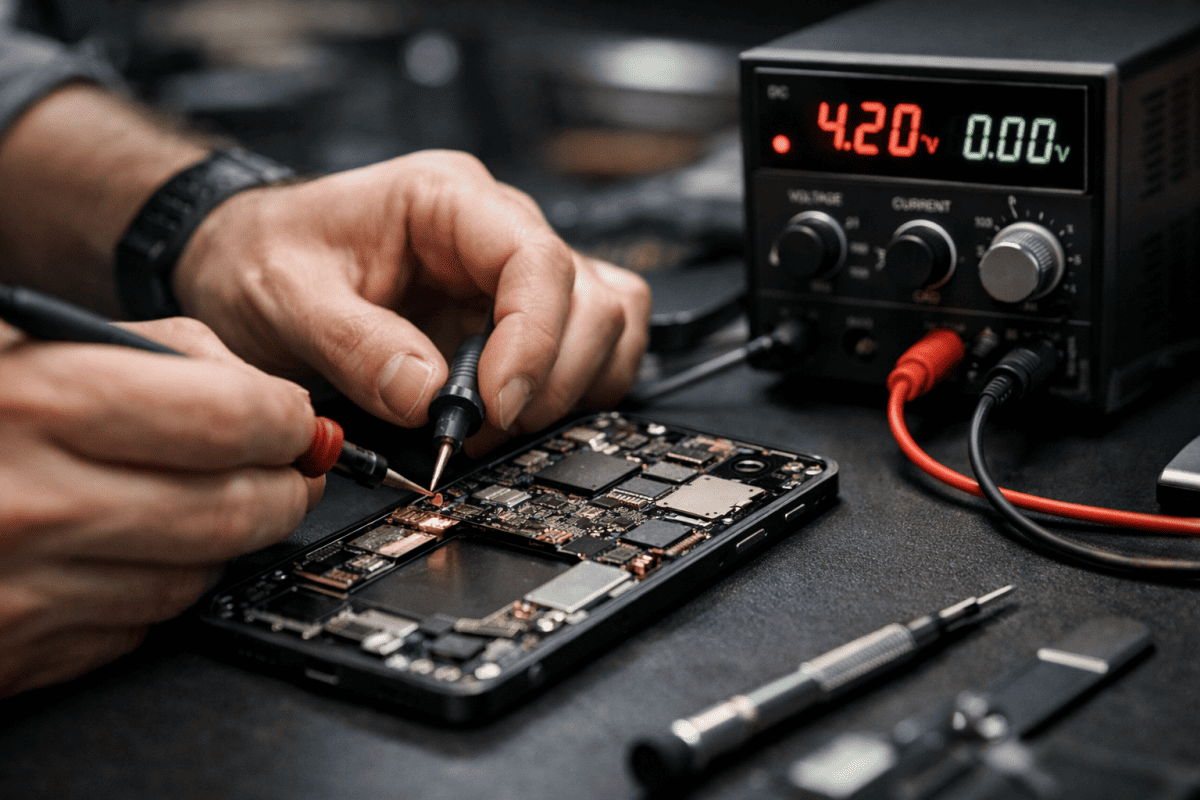
Prevention Tips to Avoid Repairs Altogether
- Use a sturdy case and screen protector
- Avoid extreme temperatures
- Keep software updated
- Don't overcharge — unplug at 80–90% when possible
- Clean ports regularly
The Smart Choice: Repair Over Replace
Repairing your phone is often the most economical and environmentally friendly option. With average new flagship phones costing $800+, a $150–$250 repair can give your current device another 1–2 years of reliable service.

Ready to bring your phone back to life? Visit a trusted local repair specialist or explore authorized service centers for your specific model. Many offer free diagnostics and quick turnaround times. Don't let a small issue turn into an unnecessary expensive upgrade — get your device fixed today and enjoy seamless performance once again!