Smartphones have become an essential part of our daily lives, keeping us connected, entertained, and organized. However, like any electronic device, smartphones require proper care and maintenance to ensure they run efficiently and last longer. Neglecting maintenance can lead to poor performance, battery issues, or even permanent hardware damage. Here are five essential maintenance tips that will help keep your smartphone running smoothly.
1. Keep Your Software Updated
Software updates often include important bug fixes, security patches, and performance improvements. Running outdated software can lead to slow performance, app crashes, and security vulnerabilities.
Tips for proper software maintenance:
- Regularly check for and install operating system updates.
- Update apps through official app stores to ensure compatibility and security.
- Backup your data before major updates to prevent data loss.
Keeping your software up to date ensures your device runs efficiently and stays protected.
2. Protect Your Battery Health
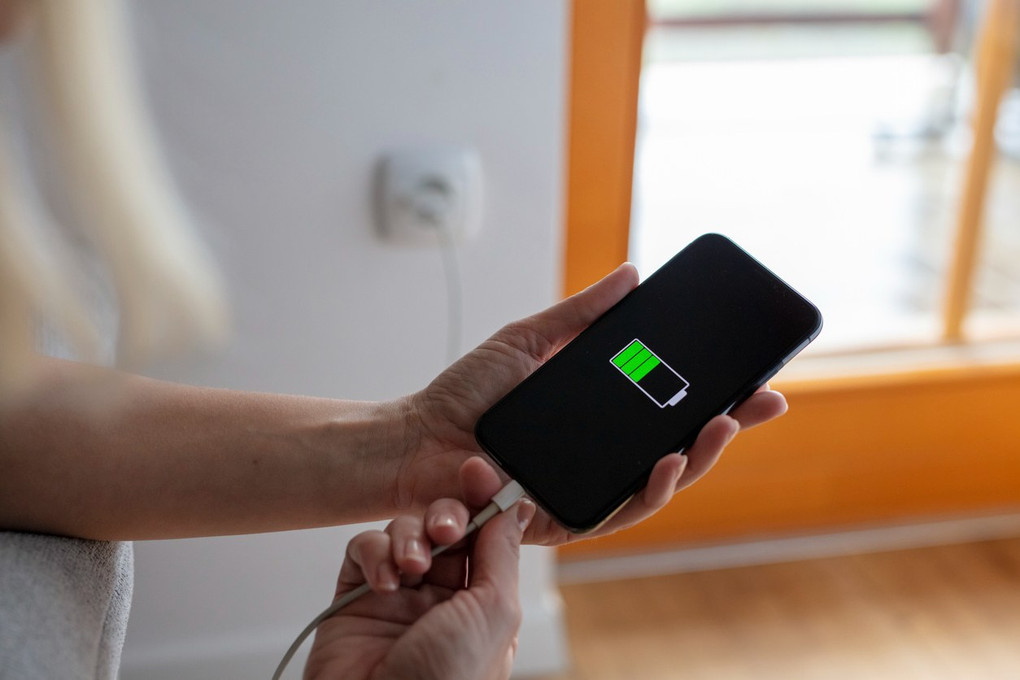
The battery is the lifeblood of your smartphone. Improper charging habits can shorten its lifespan or cause performance issues.
Battery care tips:
- Avoid letting the battery fully drain regularly; aim to recharge when it reaches around 20–30%.
- Use the original or certified charger to prevent overheating or damage.
- Avoid exposing your phone to extreme heat or cold, which can degrade the battery.
Proper battery care extends the lifespan of your device and ensures consistent performance.
3. Use a Case and Screen Protector
Physical damage is one of the leading causes of smartphone repairs. Drops, scratches, and cracks can be expensive to fix.
Protection advice:
- Invest in a durable case that covers edges and corners.
- Apply a tempered glass screen protector to prevent scratches and cracks.
- Clean your phone regularly to remove dust and debris that could cause scratches.
Using protective accessories prevents damage and keeps your phone looking new longer.
4. Manage Storage and Performance
A cluttered phone with too many apps, photos, or temporary files can slow down performance and reduce battery efficiency.
Tips to manage storage:
- Delete unused apps, files, and duplicate photos regularly.
- Clear cache for apps that accumulate data over time.
- Consider using cloud storage for photos and videos to free up local space.
Optimizing storage helps your phone run faster and reduces the risk of crashes.
5. Handle Your Device with Care
Simple habits can prevent most accidental damage and prolong the life of your smartphone.
Handling tips:
- Avoid using your phone while charging to prevent overheating.
- Keep it away from water, sand, or other debris.
- Regularly clean the phone with a microfiber cloth to prevent dust buildup in ports and speakers.
Gentle handling reduces wear and tear and minimizes the need for repairs.
Bonus Tip: Professional Repair Services
Even with careful maintenance, smartphones occasionally need professional attention. Mobile repair services, like Mobile Phone Repair Experts, offer diagnostics, screen replacements, battery swaps, and other hardware repairs. Using a trusted repair service ensures your device is fixed correctly and quickly, often on the same day.